
About this guide
This guide describes the historical PhoneGap workflow. Check the version and original requirements before using its examples.
The PhoneGap Developer App is a mobile app that runs on devices and allows you to preview and test the PhoneGap mobile apps you build across platforms without additional platform SDK setup. It automatically provides access to the PhoneGap core APIs providing instant access to the native device features without having to install any plugins or compile anything locally. It's meant to provide an easy way for developers to get started creating and testing their PhoneGap applications quickly with minimal setup.
Install PhoneGap Developer
- Locate the free PhoneGap Developer app from one of the following supported app marketplaces and install it to your mobile device:
- Once installed, tap the PhoneGap Developer app icon from your home screen to open it:
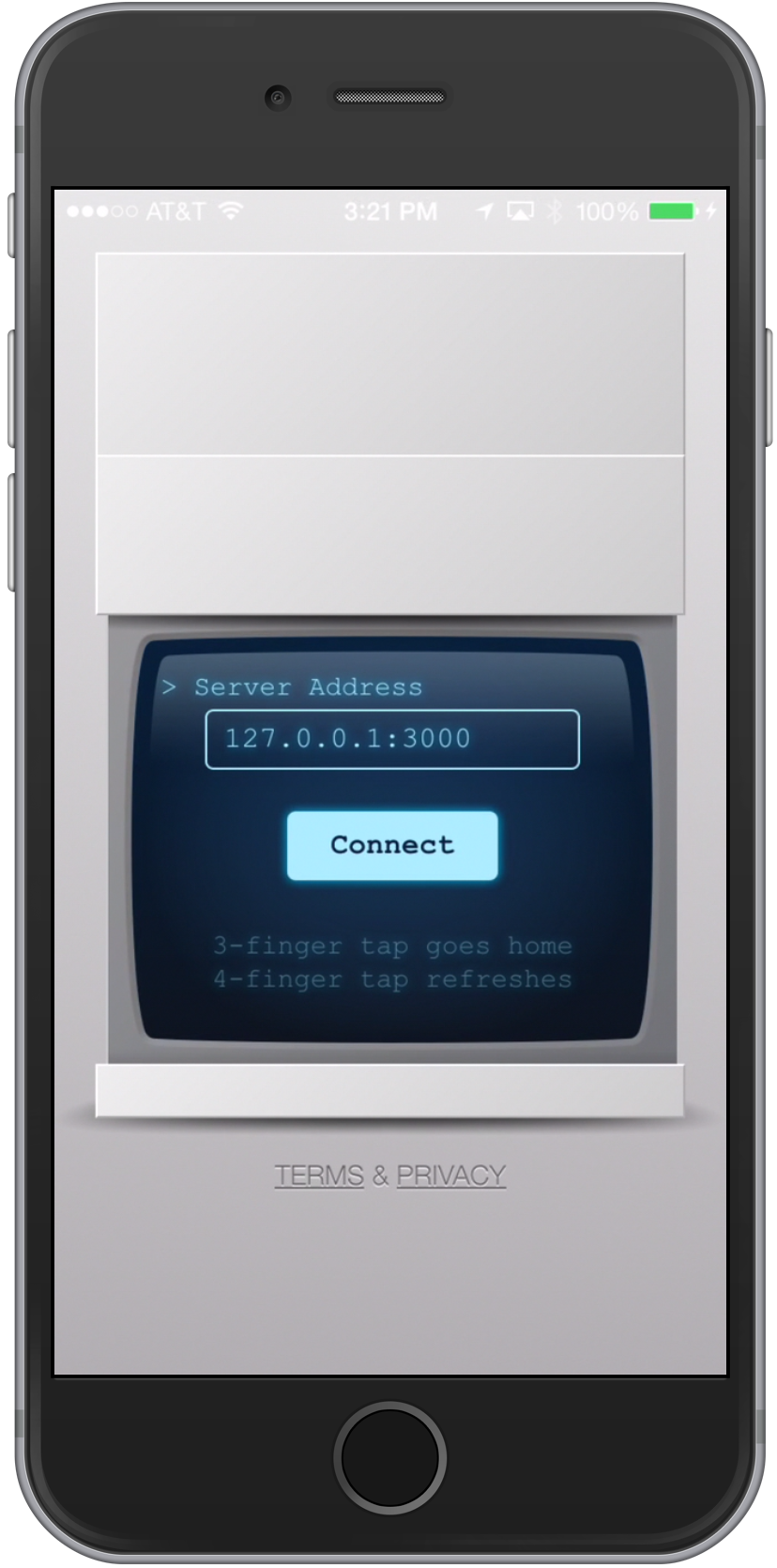
- Once installed, move on to the next step where you will create your first PhoneGap app using the tool you selected in step 1.
Sources & archive notes
Recovered repository material is attributed to its original authors and distributed with its source license. Changes: FreeSoft layout, archive context, navigation, link and image locations. Apache License 2.0 · Notices and provenance. Editorial material is labeled separately.